Picking the wrong Amazon-to-QuickBooks integration means fighting your books every month instead of trusting them. This article breaks down what actually separates these tools, reconciling settlements to the penny, splitting month-end postings correctly, and keeping up with Amazon’s constant fee changes, then makes the case for A2X as the default choice for most sellers, with Synder, Webgility, and QuickBooks Connector covered for the specific situations where they make more sense.

Key Takeaways
- A2X is our default pick for nearly every Amazon seller using QuickBooks Online, since it’s built around Amazon’s actual Settlement Report and ties every posting to the penny.
- Amazon settlements span two-week periods that often cross month boundaries, so your integration needs to split them automatically or your monthly financials will be wrong.
- Synder is the better choice if your revenue is spread across many gateways beyond Amazon, like Square and Stripe, but its Amazon-specific reconciliation isn’t as strong as A2X’s.
- Webgility is the right pick only if you’re staying on QuickBooks Desktop, since Intuit is investing in QBO and moving away from Desktop.
- The free QuickBooks Connector works for brand-new, low-complexity sellers, but its capabilities top out fast as order volume and complexity grow.
- Building your own Amazon-to-QuickBooks pipeline with AI or Excel might look feasible upfront, but ongoing maintenance, new fee types, month-end splits, facilitator tax, makes it a poor long-term trade for most sellers.\
In This Article
- Why you should trust this Amazon QuickBooks integration recommendation
- What actually separates Amazon to QuickBooks integrations
- A2X: our default for Amazon sellers using QuickBooks Online
- Synder: when you need niche channels and more gateways
- Webgility: when you’re staying on Desktop
- QuickBooks Connector: the free starting point
- Why I’d think twice before building it yourself with AI or Excel
- Feature comparison
- The right Amazon to QuickBooks integration for you
- Frequently asked questions
- Get your Amazon books set up right the first time
“What should I use to reconcile Amazon settlements in QuickBooks?” We get this question a lot from our ecommerce clients, sellers in our YouTube comments, and other accountants at conferences. After a decade of answering it one conversation at a time, it made sense to put pen to paper on an answer.
We also made a video on this topic.
So here it is… use A2X. It’s the tool behind nearly every Amazon client we serve. This post explains why, plus the handful of situations where something else genuinely makes more sense.
| Your situation as a seller | Our pick as accounting professionals |
| Growing or established Amazon seller, FBA, multi-channel | A2X |
| Revenue spread across many gateways beyond Amazon (like Square and Stripe) | Synder |
| Committed to QuickBooks Desktop | Webgility |
| Brand new, testing the channel | QuickBooks Connector |
| Thinking of building it yourself with AI | Please don’t (see below) |
Why you should trust this Amazon QuickBooks integration recommendation
A bit about me, so you know whose judgment you’re trusting. I founded LedgerGurus over a decade ago at my kitchen table. With the help of an amazing team, we built it into one of the largest specialized ecommerce accounting firms in the United States. We’ve helped hundreds of Amazon and Shopify sellers get clear on their numbers. I even co-own an ecommerce business called Sole Toscana to stay close to the problem. I also teach cloud accounting at Utah Valley University, am a member of the QuickBooks Accountant Council, and frequently share my learning during sessions and panels at industry events like Scaling New Heights, Intuit Connect, and more.
I’ve personally seen how most of these Amazon QuickBooks integration apps work, and am sharing these lessons with you.
What actually separates Amazon to QuickBooks integrations
Forget the feature grids for a second. Three things determine whether your Amazon books are right.
Can it tie every Amazon deposit in QuickBooks to the penny?
The app has to categorize each settlement into sales, fees, refunds, reimbursements, reserves, and facilitator tax, then post totals that match the bank deposit exactly. If reconciliation isn’t automatic, you don’t have automation.
Does July stay in July?
Because Amazon Settlements cover a two-week period, a Settlement that spans July and August needs to be split at month-end, or both months’ financials are wrong. This sounds like an accounting technicality. It’s not. It’s the difference between margins you can trust monthly and margins you can only trust annually.
Who fixes it when Amazon changes something?
Amazon adds fee types constantly. New programs, policies (DD+7 / Deferred Transactions anyone!?), and sometimes with no announcement. The question isn’t whether your integration will hit something unfamiliar, it’s what happens when it does, and can you trust the app to account for the changes quickly. This is a big reason we believe DIY integrations are a no go. Too much monthly maintenance.
A2X: our default for Amazon sellers using QuickBooks Online
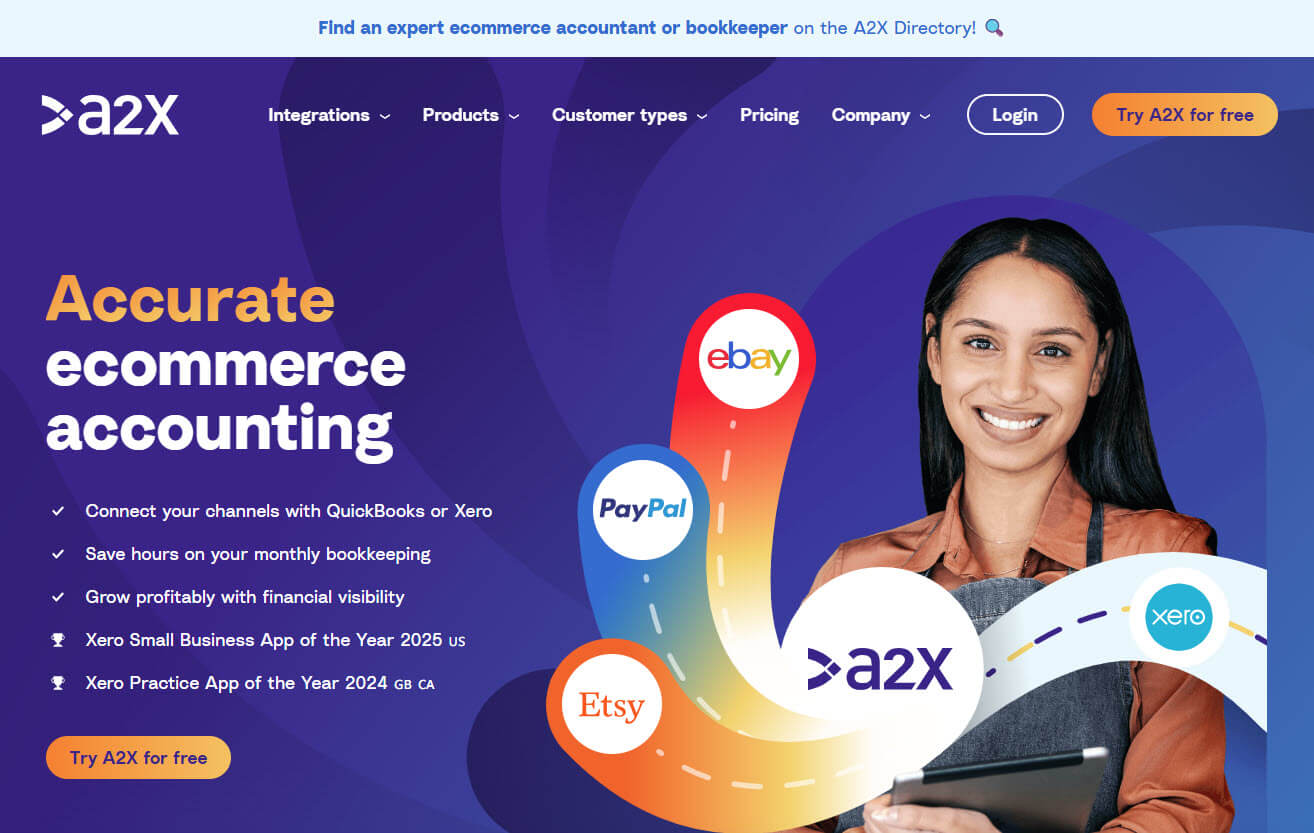
Our firm runs a dedicated QBO + A2X setup service, and A2X is the app behind nearly every Amazon client we serve, FBA or otherwise. We got here by trying the alternatives, and here are a few reasons why A2X continues to be our choice.
A2X is settlement-native. It was built around the Settlement Report Amazon actually produces, so each settlement comes in broken down: every fee type, refunds, reimbursements, reserves, and taxes, posted as a summary that matches the Amazon deposit you see in the QuickBooks bank feed to the penny. Amazon FBA sellers feel this most, because FBA carries the heaviest fee complexity on the platform.
We also trust A2X with the month-end problem. Settlements that straddle two months get split automatically, each month carrying its own activity.
Then there’s the sales tax piece, which our sales tax team cares about more than anyone. Amazon collects and remits tax on your behalf in essentially every state, and your books need to show both sides without overstating your liability. A2X gives full visibility on those marketplace tax transactions. When we’re brought in to review books built on other tools, this is where we find a lot of messes.
Support runs 24/7 on chat with onboarding included on every plan, and in our experience the people answering understand accrual accounting, not just the A2X app. It also works with Xero, Sage, and NetSuite, so if you ever outgrow QBO, the integration moves with you.
A2X also has the most advanced functionality for scaling sellers. Multi-currency settlements from international marketplaces, COGS sync, reconciliation reports that help ensure accuracy and stand up to due diligence, and the ability to process historical settlements when we inherit books that need rebuilding.
Cost: from $29/month, scaling with order volume. Not the cheapest on this list, and we consider that irrelevant next to what wrong books cost.
Synder: when you need niche channels and more gateways
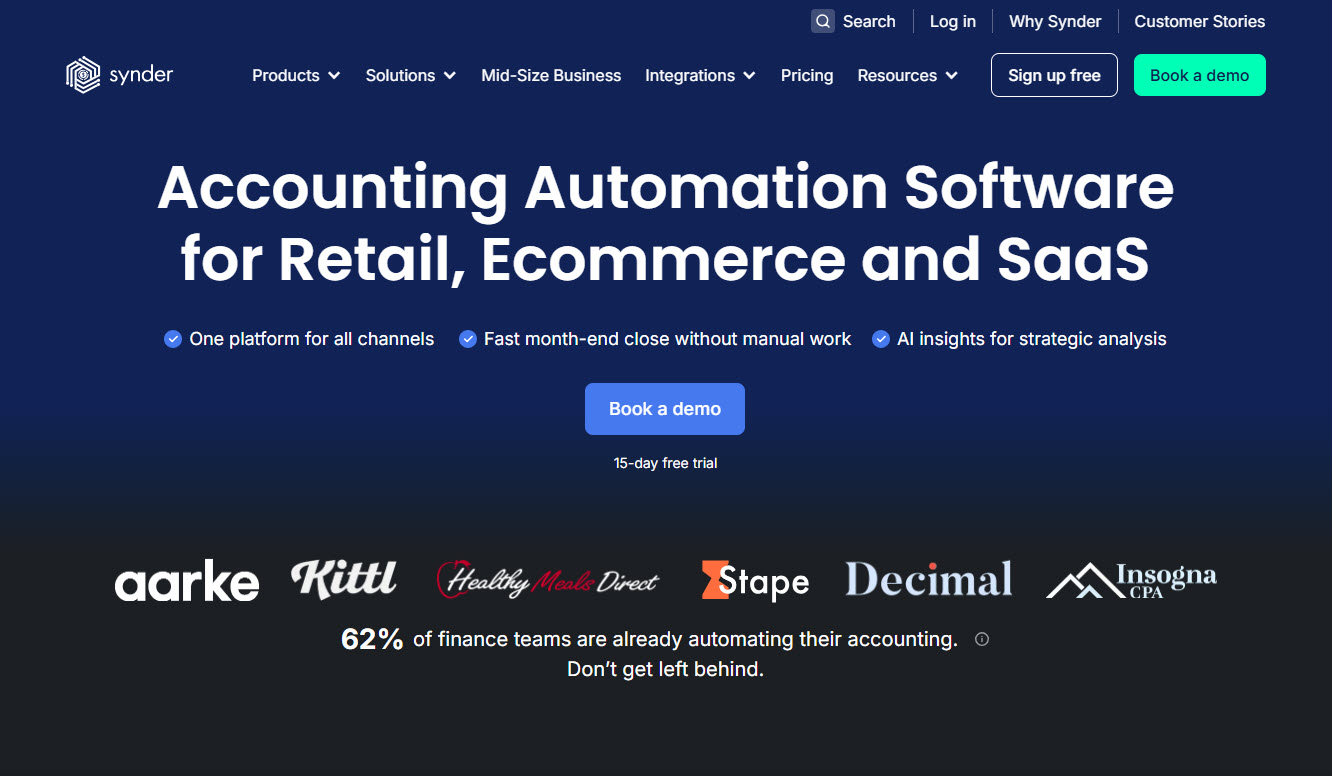
Synder connects 30+ platforms and processors, and if your revenue genuinely spreads across many of them, like Square and Stripe, that’s where the app can be valuable.
That said, if you’re not spread across all the gateways Synder integrates with, and are simply evaluating it on the merits of its Amazon integration, here’s what to look out for.
With Synder, you can select per-transaction syncing, but we would recommend against it because it floods QuickBooks at Amazon volume and still doesn’t match deposits, because deposits are settlements, not transactions.
Luckily, it also has a summary mode, which we believe is the better fit, because it posts summarized entries. But we’re not as confident with the level of detail Synder provides compared to alternative solutions.
Again, it’s a good choice if you need it for the gateways it integrates with. But if you’re simply looking at it for Amazon to QuickBooks, there are better options.
Webgility: when you’re staying on Desktop

Webgility is one of a shrinking number of serious tools still built around QuickBooks Desktop.
We’ll give you the same advice we give clients… for multi-channel ecommerce at scale, Intuit is investing in QuickBooks Online and moving away from QuickBooks Desktop. As a result, we’d rather help you migrate to QBO than build new infrastructure on Desktop. If you’re not interested in migrating to QBO, then Webgility is the most Desktop-committed answer in the category.
QuickBooks Connector: the free starting point
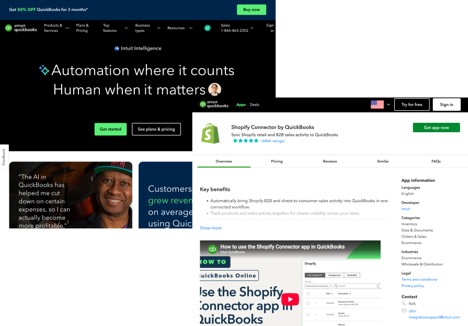
The QuickBooks Connector is a good free option for brand-new sellers with low complexity and order volume. It’ll help get your feet wet. But its capabilities top out fast, especially as your order volume, sales channels, and complexity grows. Taxes come through simplified, and the payout only matches your deposit after a lot of manual adjusting. For our client base, sellers outgrow it the moment they start caring about their numbers, which for FBA sellers is nearly immediate.
Why I’d think twice before building it yourself with AI or Excel
We get this question a lot, because with today’s AI models, a functioning Amazon-to-QuickBooks pipeline doesn’t take very long. That said, DIY tools struggle to split settlements at month-end, handle facilitator tax, account for new Amazon fees, and so much more. An established integration app automates in the background, and you rarely have to worry about Amazon changes because they’re on top of it. But when you build it yourself, you’re likely in for a lot of monthly maintenance. Is that maintenance really worth the few hundred dollars a year you’d save?
Feature comparison
| A2X | Synder | Webgility | QuickBooks Connector | DIY / AI | |
| Entry price (per month) | From $29 | From $65 | From $79 | Free with QBO | Your time |
| Settlement breakdown | Complete, every fee type | Partial in summary mode | Available within some settings | Limited | Whatever you built |
| Month-end settlement split | Automatic | Limited to some modes | Limited | Limited | No |
| Marketplace facilitator tax | Full visibility | Limited | Limited | Simplified | No |
| Amazon DD+7 deferred accruals | Automated | No | Limited, managed by order date posting | No | No |
| Reconciliation & audit reports | Platform-specific reports | No | No | No | No |
| Tax scope | Global (sales tax, VAT, GST) | US and non-US, configured manually | US-focused | US, simplified | n/a |
| Ledgers supported | QBO, Xero, Sage, NetSuite | QBO, Xero, Sage, NetSuite | QBO, Desktop, Xero | QBO | n/a |
| Support | 24/7 chat, onboarding included | Limited by plan | Onboarding included | Via Intuit | You |
| App store rating | 4.6 on the QuickBooks App Store, 2002 reviews | 4.6 on the QuickBooks App Store, 2002 reviews | 4.7 on the QuickBooks App Store, 988 reviews | 4.4 on the QuickBooks App Store, 400 reviews | n/a |
The right Amazon to QuickBooks integration for you
If your revenue is scattered across many gateways, look at Synder. If you’re staying on Desktop, it’s Webgility. Everyone else should set up A2X and stop thinking about this problem.
Correct setup is genuinely the catch, since the chart of accounts and mapping decisions determine everything later, which is why A2X + QBO setup is a service we sell. That said, we also recommend setting up a free A2X trial to see it for yourself.
Hope you found this article helpful, and if you’re looking for a full-service accounting team that really gets Amazon and ecommerce, reach out!
Frequently asked questions
Does Amazon integrate directly with QuickBooks Online?
Not in a way that produces accurate books at volume. The free native connector imports basic data but doesn’t reconcile settlements, split them at month-end, or handle facilitator tax properly. Sellers add a dedicated integration once margins and taxes start mattering.
What’s the best Amazon QuickBooks integration for FBA sellers?
A2X, in our experience across hundreds of Amazon clients. FBA carries the heaviest fee complexity on the platform, and A2X’s settlement breakdown maps every fee type and ties each posting to the bank deposit.
How should marketplace facilitator tax show up in QuickBooks?
Your books should show tax collected from customers and the amount Amazon remitted on your behalf, so you’re not overstating liabilities. A settlement-based integration that separates these automatically is the dependable way to get there.
Why do settlements that span two months matter?
Because a settlement covering late July and early August belongs to both months. Post it all to August and both months’ P&L are wrong. A2X splits spanning settlements automatically.
Get your Amazon books set up right the first time
Picking the right integration is only half the job, mapping it to your chart of accounts correctly is what actually determines whether your books are trustworthy. That’s the part most sellers get wrong, and it’s the part we do every day.
LedgerGurus runs a dedicated QBO + A2X setup service, so if you’d rather not spend a weekend testing settlement reports and fee categories yourself, we can get it right the first time.