

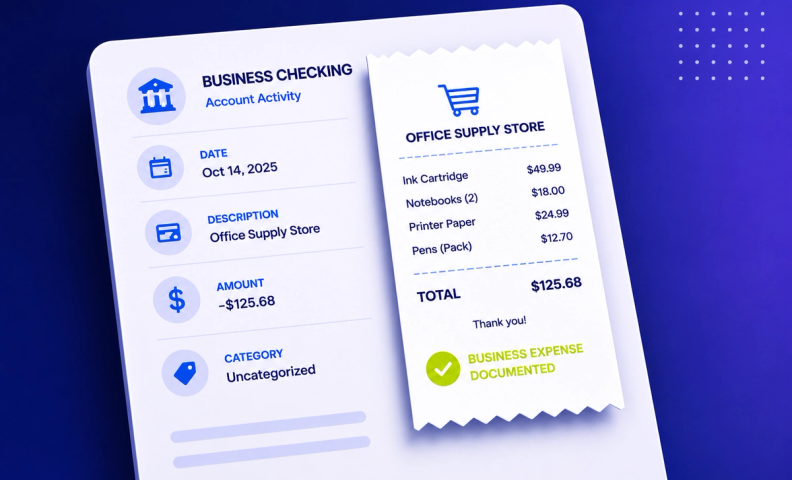
Let's be honest. Keeping receipts is nobody's favorite task. Stacks of paper, lost email confirmations, and mystery charges can turn your bookkeeping into a headache. But what if we told you that keeping receipts isn't just about staying organized, it's about protecting your business?
In addition, we will mention some great tools in your efforts to scan and store receipts digitally. In today's world, no one wants to have a huge filing cabinet full of business receipts! This can be avoided.
You can also view the information found in this article in our YouTube video.
Tax justification
The IRS recommends keeping all sorts of documentation. If you were ever to receive a tax audit, the receipts tell the full story. Receipts have four pieces of important information:
- When the expense occurred
- The amount of the expense
- The vendor you paid
- What you purchased
Now, some people think that credit card or bank statements also tell the story. Unfortunately, these statements don't necessarily tell you what you purchased. For example, if you purchased something from Walmart, you could have purchased anything from printer ink to a kid's bicycle. In a tax audit, the “what” proves if the expense truly was tax deductible or not, and the receipts usually tell the “what”.
Accounting simplification
You or your accountant may come across expenses that are unknown. And nobody wants to spend hours trying to figure out these unknown expenses. Keeping receipts readily available will give you the information you need in these situations, saving you or your accountant time.
Expense approval
Businesses want to make sure employees are making appropriate purchases. Requiring employees to keep and submit receipts (whether for reimbursement or when using a corporate card) will hold them accountable and be easier to spot expenses that shouldn't be approved. In addition, you can confirm reimbursement amounts.
Audit readiness
In addition to tax audits, receipts are important for business audits. The supporting documentation of receipts proves that an expense on your financials:
- Happened
- Is accurately categorized
Tools for keeping receipts for business expenses
There are three groups of apps that assist in keeping receipts for business expenses:
- Accounting software
- Receipt-focused apps
- Expense management apps
Each of these makes it easy to take snap pictures of receipts, or forward email receipts to the app, but differ in their capabilities.
Accounting software
QuickBooks Online (QBO) and Xero have receipt-capturing functions. You can take pictures of your receipts or forward email receipts to your account. QBO and Xero will then match those receipts to the associated expenses in the software.
Receipt-focused apps
These apps take it a step further than just capturing the receipt. They can extract information from the receipt and push that information into accounting software or other apps. Our favorite is Expensify. You can see here how to capture receipts quickly and easily.
Expense management apps
These apps take it one step further than receipt-focused apps. Not only do they accomplish what receipt-focused apps do, but they go into next steps, such as the approval of expenses. Our favorite expense management app is (again) Expensify.
Frequently asked questions
What information does a receipt need to show for tax purposes?
The IRS wants to see when the expense occurred, the amount, the vendor you paid, and what you actually purchased. That last piece, the "what," is something bank and credit card statements can't tell you on their own.
Can't I just use my bank or credit card statement instead of keeping receipts?
Not really. A statement shows that money was spent at a vendor, like Walmart, but not what was bought. In an audit, the "what" is what proves whether an expense was actually deductible.
What's the difference between accounting software receipt capture and a dedicated receipt app?
Accounting software like QuickBooks Online and Xero can capture and match receipts to expenses. Receipt-focused apps go further by extracting the data from the receipt and pushing it directly into your accounting software or other tools.
How do receipts help with employee expense approval?
Requiring employees to submit receipts for reimbursements or corporate card purchases creates accountability and makes it easier to spot and question expenses that shouldn't be approved.
What's the best tool for managing receipts digitally?
It depends on your business's stage and needs. LedgerGurus' favorite for going beyond simple capture, into extraction and approval workflows, is Expensify.
Turn good recordkeeping into good accounting
What app you use depends on the stage and needs of your business. Whatever you do, find the easiest way for your business to keep receipts for business expenses. Doing so will protect your business and save you time when these receipts need to be referenced.
And remember, good recordkeeping isn't just about surviving an audit, it's the foundation of accurate books. LedgerGurus can help you build a receipt and documentation system that keeps your ecommerce accounting clean and audit-ready year-round, so nothing gets lost and nothing gets guessed at.
